1. Download the installer
Grab the current Windows installer and run Fenster-Setup.exe. The setup installs the app, Explorer integration, and first-run options.
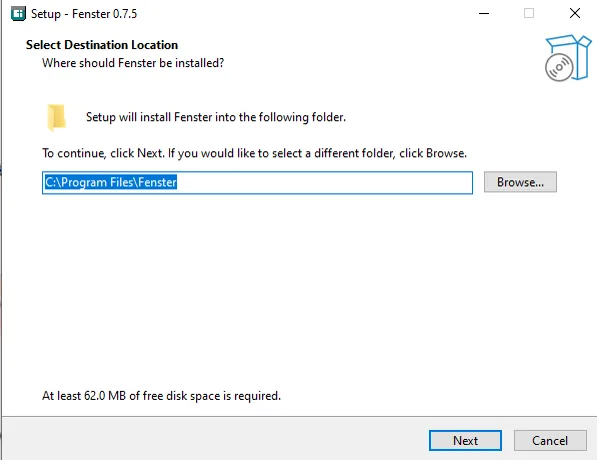
Install the current alpha build, create Fenster from the Desktop or inside any folder, and start organizing your workspace visually.
The installer is designed for normal Windows users: download, run setup, finish install, and start creating Fenster immediately.
Grab the current Windows installer and run Fenster-Setup.exe. The setup installs the app, Explorer integration, and first-run options.
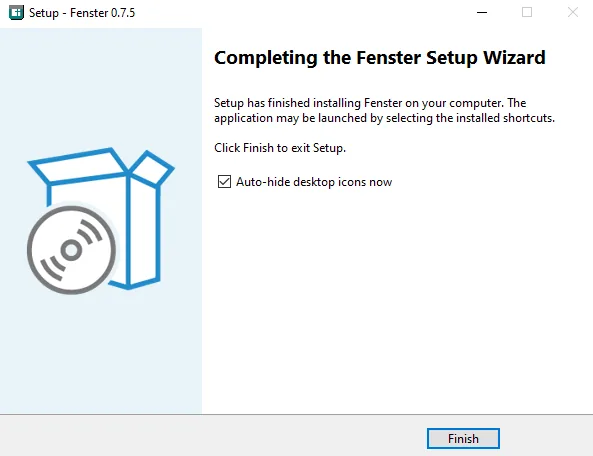

On first install you can enable auto-hide desktop icons if that workflow fits you. After launch, Fenster appear as desktop overlays instead of a normal big host window.
Practical notes for the current public build.